
AI Automation
N8N Workflow automation
n8n Live Bootcamp: 8-Week MasterclassMaster the art of workflow automation with this comprehensive, 8-week live bootcamp designed to take you from setup to advanced AI-assisted integrations. Hosted by...
About This Bootcamp
This eight-week intensive bootcamp is designed to take you from your first login to building sophisticated, AI-powered automations.
Over 16 hours of live, instructor-led training, you will master the art of workflow design using n8n. The course balances theoretical "problem framing" with hands-on lab work, ensuring you don't just learn how to use nodes, but how to architect professional-grade solutions.
By the end of the program, you will have completed a capstone project that integrates complex data, logic, and Artificial Intelligence.
Duration:
8 weeks (2 hours per session).
Format:
Online (Live via Google Meet).
Time:
Saturdays, 8:00 PM – 10:00 PM PKT
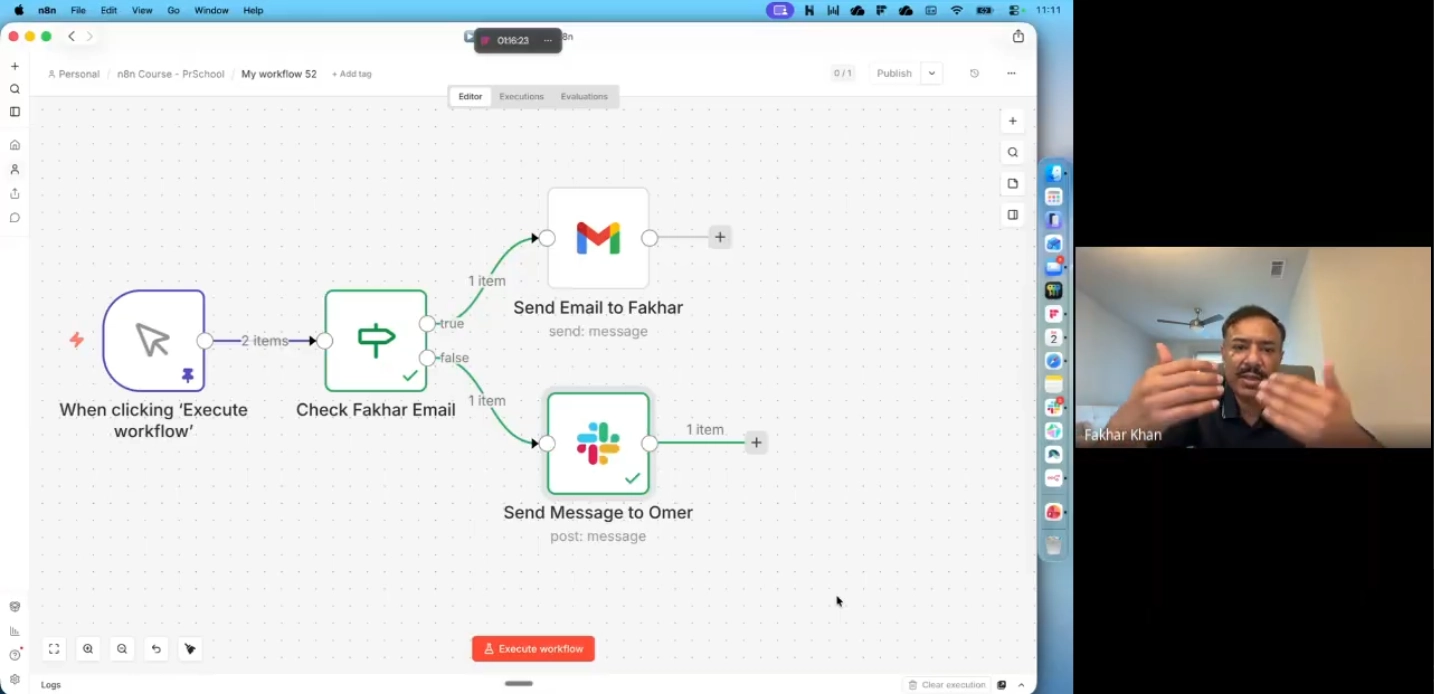
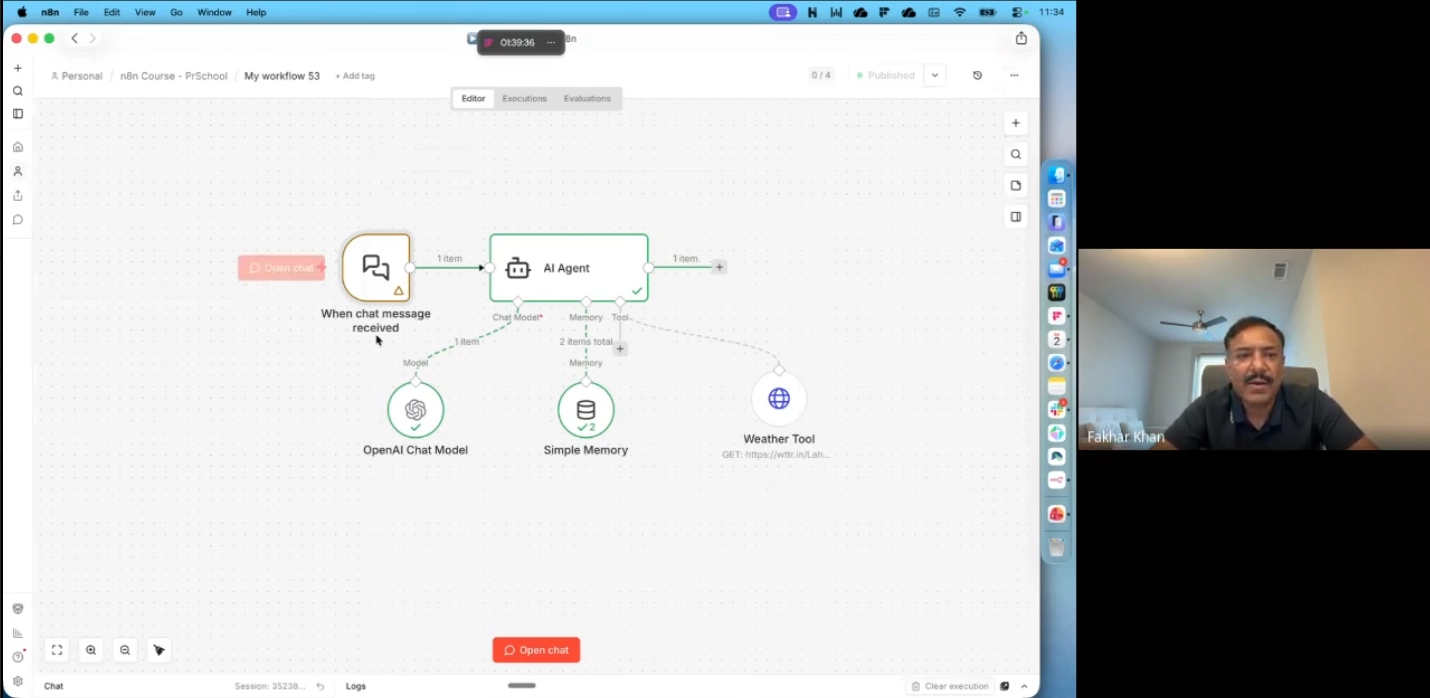
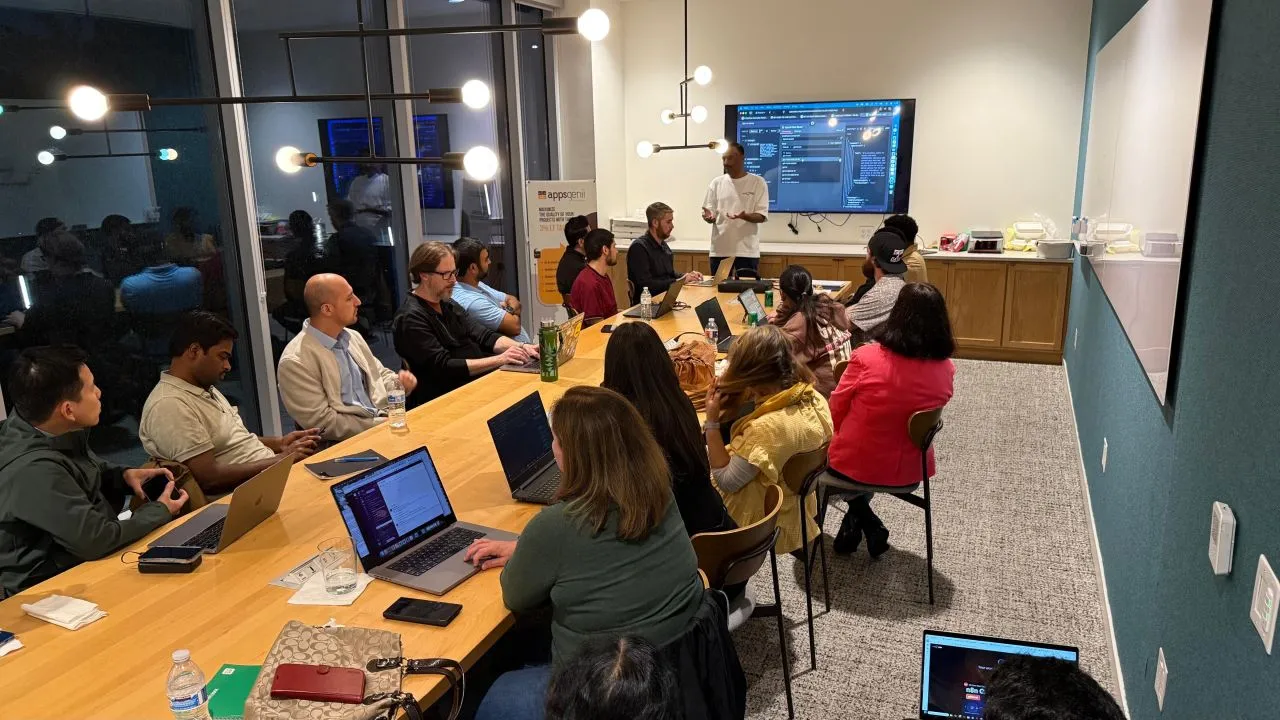
What you will learn
- n8n Fundamentals: Navigating the UI, managing credentials, and understanding the core mechanics of triggers and actions.
- API and Data Integration: Mastering HTTP Requests (GET/POST) and connecting popular apps like Google Sheets and Airtable.
- Logic and Data Transformation: Writing expressions, using conditional branching (If/Set), and handling complex data formats.
- Advanced Workflow Design: Implementing sub-workflows, merging multiple data sources, and building robust error-handling.
- Custom Coding Mastery: Using the Code Node for custom JavaScript transformations when standard nodes are simply not enough.
- AI-Powered Automations: Building AI-assisted workflows and understanding the difference between agents and linear flows.
- Operational Excellence: Best practices for scheduling, logging, security, and exporting/importing workflows for production.
- Problem Framing Skills: Learning to design and diagram automation solutions on paper before you ever touch the n8n canvas.
Sessions Topics
Curriculum Details
Learning objectives
- Log in
- Navigate UI
- run first workflow
- read JSON in/out
Key topics
- Intro
- Cloud or Docker setup
- canvas
- triggers vs actions
- Input/Output
- templates
Lab
- Manual Trigger to simple fetch or template
- Execute node vs workflow
Homework
- Quickstart + Level 1
- Ch 1–2 (UI + mini workflow)
Learning objectives
- Frame automation problems
- Sketch steps before building
Key topics
- Problem framing
- choosing triggers; inputs/outputs
- node naming
Lab
- Manual Trigger + one integration
- design sketch for personal scenario
Homework
• Level 1 Ch 3–4 (use case + designing the workflow)
Learning objectives
- Call APIs
- store rows in a spreadsheet app
- use credential manager
Key topics
- HTTP Request GET/POST
- JSON response
- Airtable or Google Sheets (one stack)
- credentials
Lab
- Fetch data → create/update one record
- no secrets in nodes
Homework
• Extend project: fetch → store one row/record
Learning objectives
- Use expressions
- branch with If
- shape data with Set
Key topics
- {{ }} syntax
- $json
- item lists
- If node
- Set node
Lab
- Combine Week 3 data with If + Set
- filter to relevant rows
Homework
• Expressions doc + one conditional path in project
Learning objectives
- Use Code node when needed
- notify
- schedule
- read execution logs
- export JSON
Key topics
- Code node or Item Lists
- Slack/Email/Discord
- Schedule trigger
- activation
- execution list
- export/import
Lab
- Scheduled run + notification
- backup workflow JSON
Homework
- Turn project into scheduled run
- export workflow JSON
Learning objectives
- Normalize nested data
- handle non-JSON formats lightly
Key topics
- Items and nested JSON
- Code to normalize
- HTML/XML or binary (one example)
Lab
• Refactor Weeks 3–5 flow for clearer data shape
Homework
• Level 2 Ch 1–2 readings + one refactor
Learning objectives
- Merge sources
- split workflows
- handle failures gracefully
Key topics
• Merge node; sub-workflows (concept); Error Trigger / error workflow
Lab
• Error notification on main project OR merge two sources
Homework
• Level 2 Ch 3–4 + optional sub-workflows reading
Learning objectives
- Build an AI-assisted workflow
- compare agents vs linear flows
- plan continued learning
Key topics
- AI workflow tutorial; agents vs automations
- capstone demo
- security recap
Lab
• Data → LLM step → output → notify (capstone)
Homework
- Optional: finish AI branch
- share template
Gallery
n8n
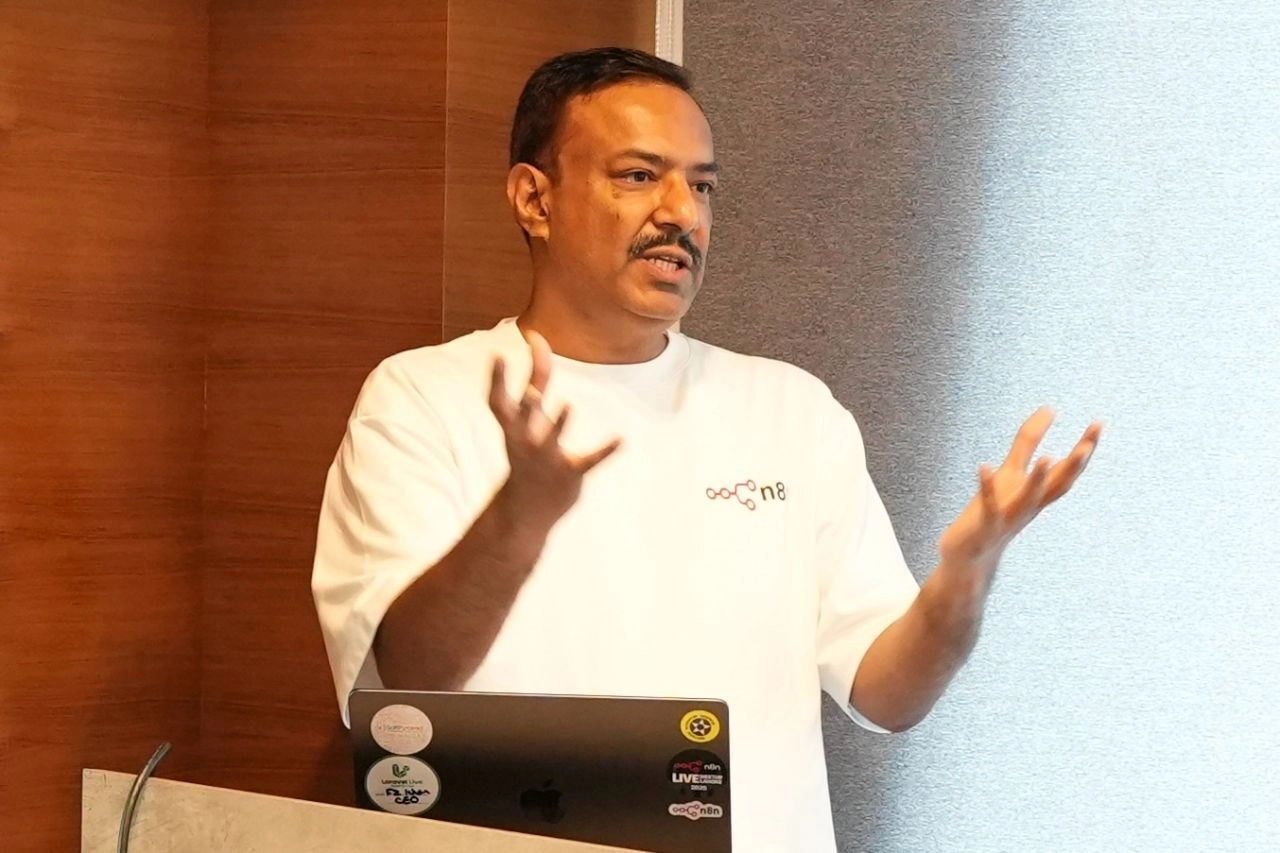
Presenting n8n to CEOs at CXOconnect
n8n
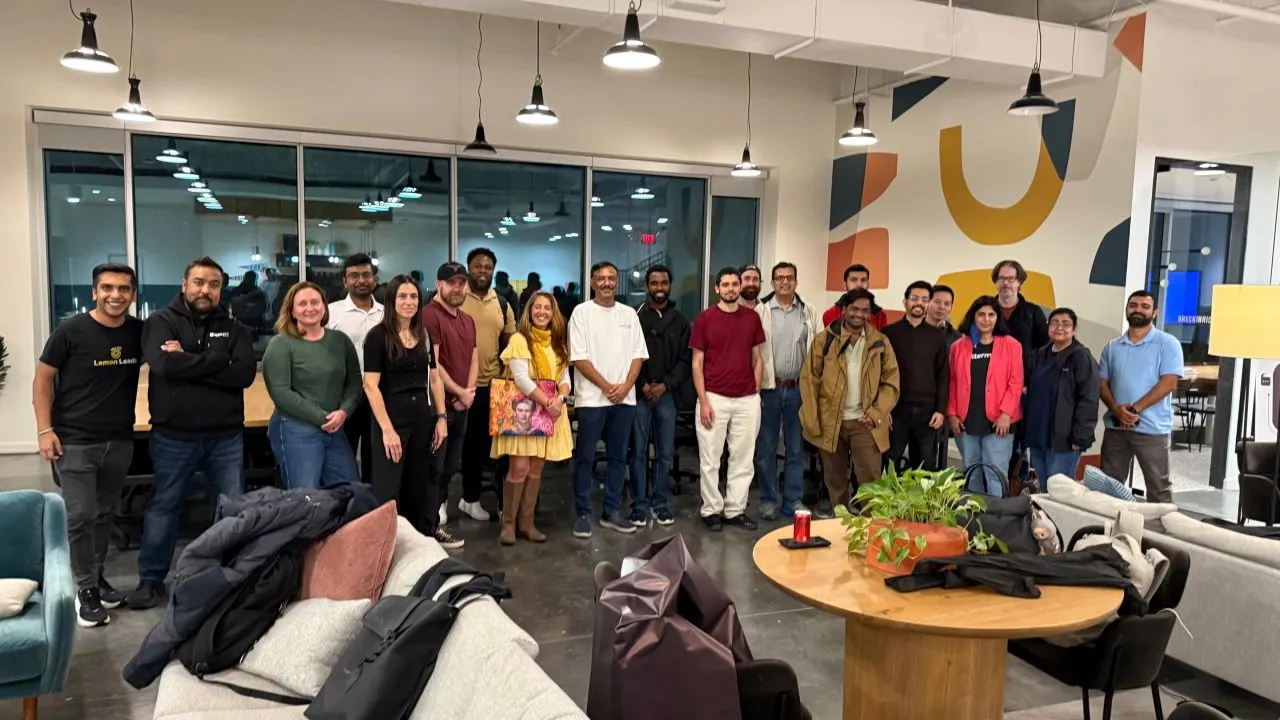
n8n Live at Dellas..!
n8n
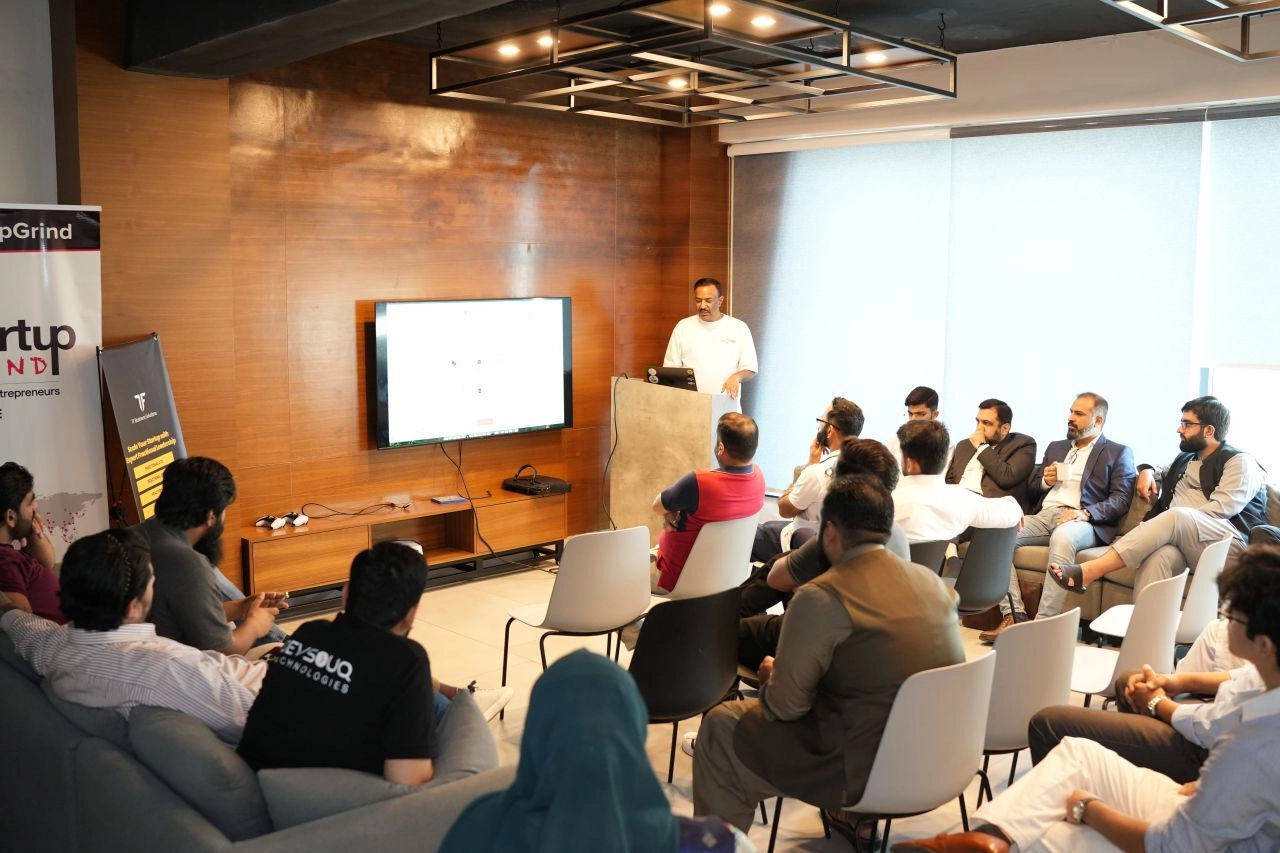
Presenting n8n
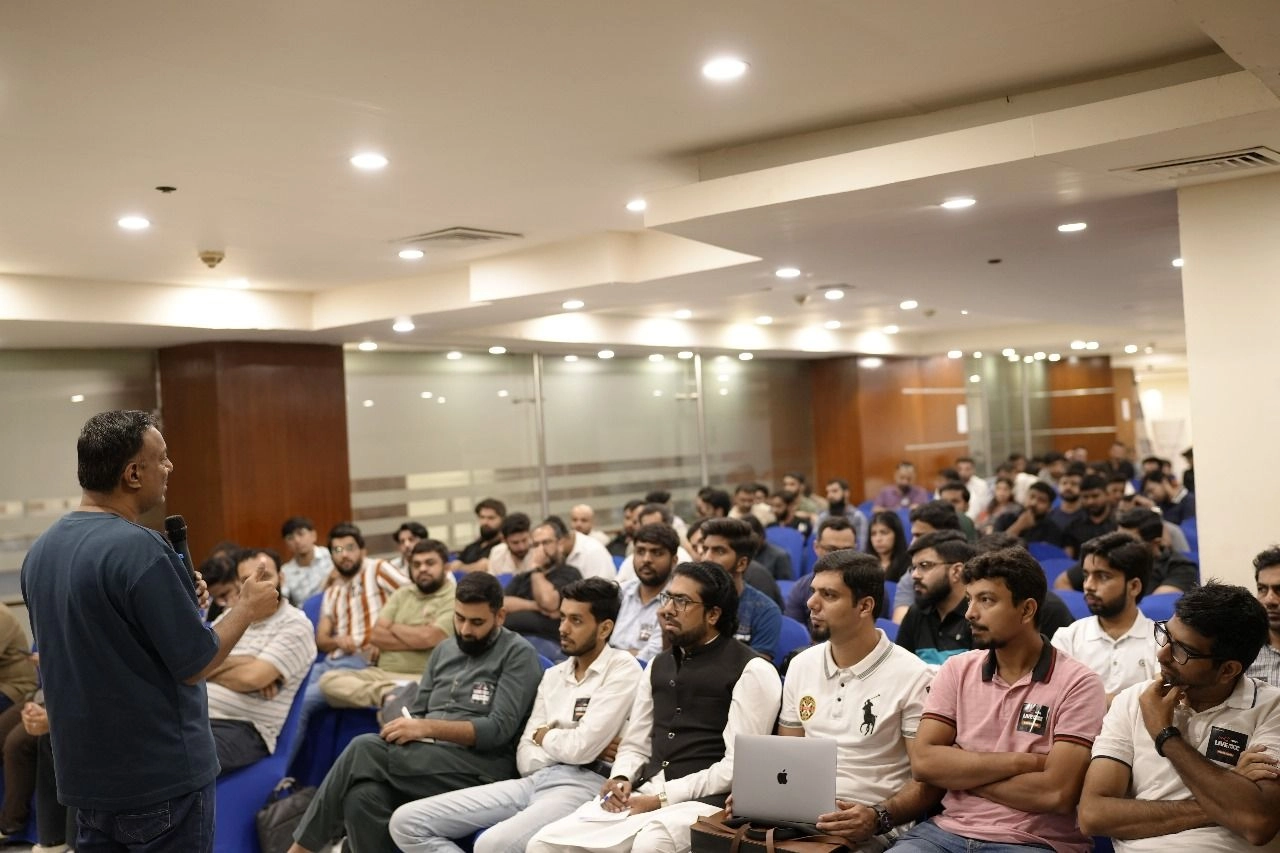
n8n
History Made in Lahore!
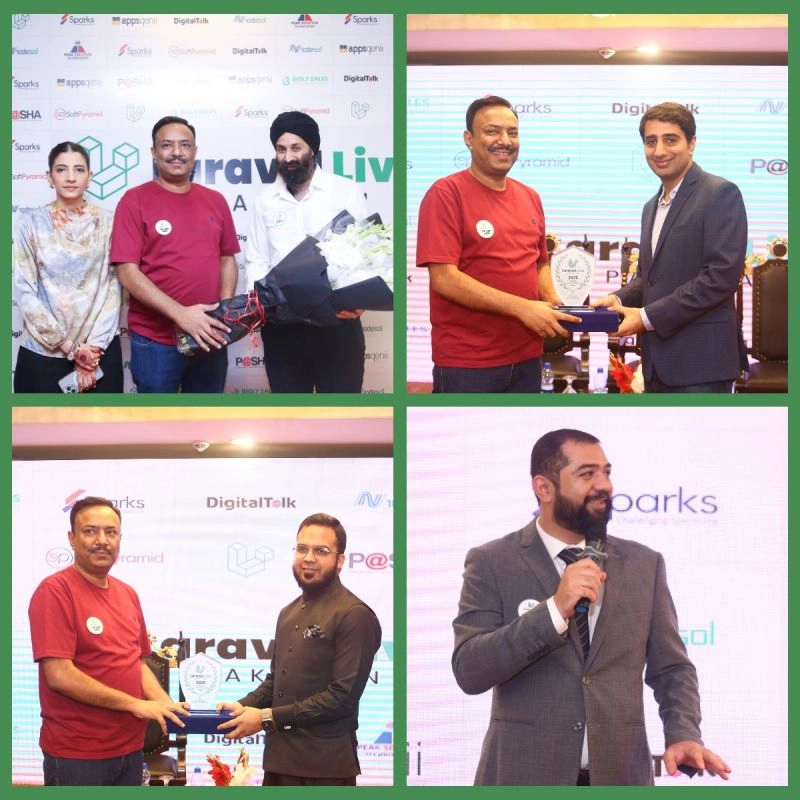
Fakhar Khan
at Laravel Live
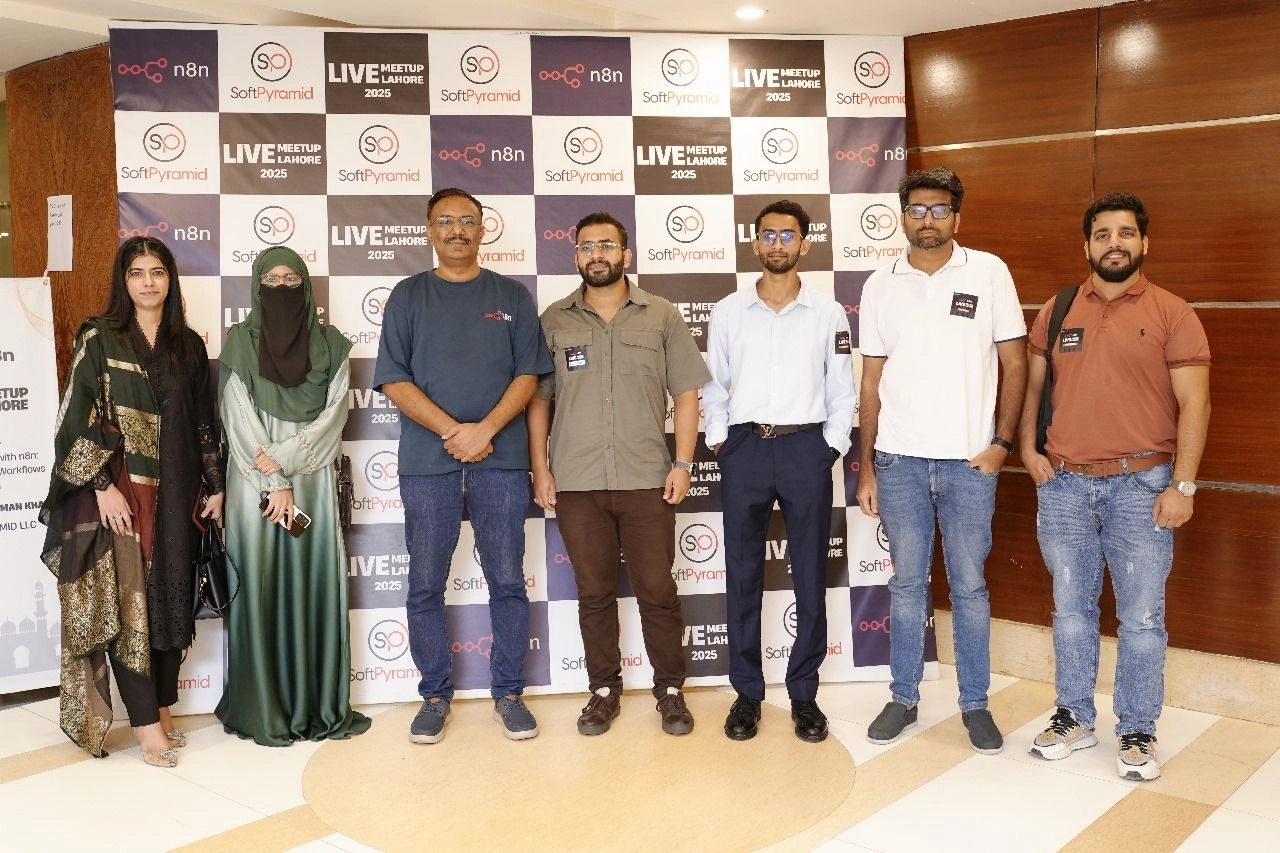
Fakhar Khan
n8n Live Lahore
Session FAQs
While n8n is a "low-code" tool, we will introduce basic JavaScript via the Code Node and expressions. No prior coding experience is required, but a willingness to learn basic syntax is helpful.
All sessions are conducted via Zoom. While live attendance is encouraged for the Q&A and lab segments, you can use the provided resources and homework guides to stay on track.
Yes. Every week includes a lab session, and the course culminates in a capstone project where you build an AI-integrated workflow from scratch.
You can use either n8n Cloud or a self-hosted Docker instance. The course covers the setup for both during the first week.
Prerequisites
- Possess a solid understanding of how web-based applications and digital tools function.
- Maintain an active n8n Cloud account or a functional local Docker desktop installation.
- Secure access to external platforms like Google Sheets, Airtable, or a Slack workspace.
- Demonstrate a basic comfort level with logical reasoning and structured problem-solving.
- Dedicate two hours for live sessions plus two hours for homework and self-study tasks.
- Review the provided documentation and Level 1 course chapters throughout the program.
Session Mentors
No session mentors added for this boot camp session.