
About This Course
Mastering Website Development is a hands-on course designed to equip learners with modern web development skills. You will learn how to design, develop, and deploy responsive, high-performance websites using tools like React JS. The course covers UI/UX basics, component-based architecture, APIs, and deployment workflows, enabling you to build real-world projects and launch professional web...
Show moreWhat you'll learn
-
Deploy & Maintain Web Applications – Learn how to host, deploy, and manage websites and applications on live servers while following industry standards for security and scalability.
-
Apply Problem-Solving & Debugging Skills – Develop the ability to identify, troubleshoot, and fix issues in code to ensure optimized website performance.
-
Master Development Tools & Frameworks – Utilize tools such as Git/GitHub, Bootstrap, React, Node.js, or similar technologies to streamline development and collaboration.
-
Work with Frontend & Backend – Gain hands-on experience in both client-side (frontend) and server-side (backend) development to build dynamic, data-driven applications.
-
Build Responsive Websites – Learn to design and implement mobile-friendly, cross-browser compatible websites using modern frameworks and best practices.
-
Understand Web Fundamentals – Develop a solid foundation in HTML, CSS, and JavaScript to create and style web pages effectively.
Course Curriculum
-
Session 0: Introduction To The Course (Free Lecture)
15 mins : 16 sec Watch Now.
.
-
Lecture 1: Images and Media
25 mins : 13 sec- Images and Links
- Block vs inline elements
- Forms, media embedding (video, iframe)
Lecture 2: HTML Forms And Attributes
28 mins : 45 sec- Typography and Lists
- Attributes and Self-closing
- Tags Images and Links
- Block vs inline elements Forms,
- media embedding (video, iframe)
- HTML SEO and Best Practices
- HTML Page Layout
Lecture 3: CSS Bases and Box Model
25 mins : 25 sec- Box Model
- Class and ID
- selectors Positioning (static, relative, absolute, fixed, sticky)
- Responsive design with media queries
Lecture 4: Positioning And Display
23 mins : 1 sec- Flexbox
- CSS Grid
- Layout building tips and tricks
- CSS animations & transitions
Lecture 5: FlexBox
15 mins : 41 sec- VS Code extensions (Prettier, Live Server)
- Chrome DevTools (Elements, Network, Lighthouse)
- Git basics (commit, push, pull requests)
Lecture 6: CSS Grid
15 mins : 13 sec- Introduction to CSS Grid & why it is used
- Difference between Grid vs Flexbox
- Understanding Grid Container and Grid Items
- Creating a grid using display: grid Defining columns with grid-template-columns Defining rows with grid-template-rows
- Using grid-gap / gap for spacing
- Understanding fr (fraction)
- unit Placing items using grid-column & grid-row
- Using grid areas for layout design
- Aligning items with justify-items & align-items
- Aligning whole grid with justify-content & align-content
.
-
Lecture 1: JavaScript Essentials
11 mins : 44 sec- Master JavaScript fundamentals (variables, data types, loops)
- Learn DOM manipulation & event handling
Lecture 2: Variables And Data Types
15 mins : 5 sec- let, const, var differences
- Arrays, objects, type conversion
Lecture 3: Data Types (Part 2)
19 mins : 57 sec- Arrays, objects, type conversion
Lecture 4: DOM Manipulation And Events
15 mins : 46 sec- Selecting elements (querySelector)
- Event listeners (click, submit, keyup)
Lecture 5: Conditions, Loops And Logical Thinking
8 mins : 36 sec- if/else vs switch statements
- Loops (for, while, forEach)
Lecture 6: Functions, Scope and Reusability
15 mins : 37 sec- Arrow vs regular functions
- Closures and lexical scope
Lecture 7:
7 mins : 42 sec- Introduction to Loops
- Types of Loops
- For Loop Concepts
- While Loop Concepts
- do While
- Loop Concepts
- Loop Control Statements
Lecture 8: Timers, Browser Storage
20 mins : 11 sec- setTimeout
- setInterval
- localStorage
.
-
Lecture 1: Introduction to React
28 mins : 17 sec- What is React and how it works under the hood
- Differences: Vite vs CRA (Create React App)
Lecture 2: JSX and Project Setup
18 mins : 9 sec- JSX Syntax and rules (embedding expressions, children)
- React project folder structure & Single Page Application (SPA)
Lecture 3: Functional Components, Props and Routing
24 mins : 41 sec- Functional components and prop handling
- Props drilling vs. composition and reusable components
- React Router DOM setup
- Dynamic routing & URL params
- Public vs. Protected routes (basic auth pattern)
Lecture 4: State and Event Handling
24 mins : 54 sec- useState for local state management
- Handling user input, toggles, counters
- Event binding and synthetic events in React
- Lifting state up when necessary
Lecture 5: Side Effects with useEffect
18 mins : 34 sec- Purpose of useEffect in React lifecycle
- Using the dependency array correctly
- Cleanup functions (like removeEventListener, clearInterval)
- Common patterns: Fetching data, subscriptions, timers
Lecture 6: Conditional Rendering, Lists and Useful JS Features
5 mins : 19 sec- Conditional rendering: if, ternary, short-circuit
- Rendering lists using map()
- Handling empty states and loading indicators
- JavaScript ES6+ methods useful in React: map, filter, reduce, find
- Optional chaining and nullish coalescing
Lecture 7: Conditional Rendering
8 mins : 45 sec- Understanding the map() Function
- Rendering Dynamic Lists in UI (e.g., React)
- Best Practices and Common Mistakes
Lecture 8: map Method
12 mins : 37 sec- M – Model (Structure & Planning)
- A – Assemble (Design & Development)
- P – Publish (Testing & Deployment)
.
-
Lecture 1: Pre-Requisites and Introduction to Tailwind
13 mins : 34 sec- Introduction and Setup
Lecture 2: Utility-first CSS with Tailwind
19 mins : 24 sec- Spacing, typography, and color utilities
Lecture 3: Responsive Design with Tailwind
21 mins : 3 sec- Mobile-first breakpoints (sm, md, lg)
- Hamburger menu implementation
Lecture 4: UI Layouts & Component Design
18 mins : 25 sec- Card grids, feature banners, layout patterns
Lecture 5: Tailwind Config and Theme Extension
10 mins : 11 sec- Customizing colors, fonts, spacing, and breakpoints
.
-
Lecture 1: Introduction to Git, Github and Version Control
19 mins : 16 sec- Understanding Version Control Systems (VCS)
- Introduction to Git and its importance in development
- Basic Git concepts: repository, commit, branch, and staging
- Introduction to GitHub as a remote repository platform
- Collaboration and code management using Git and GitHub
Lecture 2: Git Basics & Commands
8 mins : 46 sec- Installing and setting up Git on a local machine
- Initializing a Git repository and configuring user details
- Tracking changes using git add and git commit
- Checking project status and history using git status and git log
- Working with remote repositories using git clone, git push, and git pull
Lecture 3: Deployment Options
26 mins : 48 sec- Overview of deployment in modern development
- workflows Using Git for managing and preparing code for deployment
- Deployment through GitHub repositories and integration with hosting platforms
- Different deployment options (manual deployment, Git-based deployment, CI/CD pipelines)
- Best practices for version control and safe deployment management
.
-
Lecture 1: Next.js Intro
18 mins : 16 sec- Introduction to Next.js and its role in modern web development
- Key features of Next.js compared to traditional React applications
- Setting up a Next.js project and understanding the project structure Pages, routing, and file-based navigation in Next.js
- Benefits of using Next.js for performance, SEO, and scalability
Lecture 2: File-based Routing and Navigation
26 mins : 1 sec- Understanding the concept of file-based routing in Next.js
- Creating routes using the pages or app directory structure
- Dynamic routes and parameterized URLs
- Navigation between pages using the Link component
- Programmatic navigation using the Next.js router
Lecture 3: Static Site Generation (SSG) and Server-side Rendering (SSR)
6 mins : 17 sec- Introduction to rendering methods in Next.js
- Understanding Static Site Generation (SSG) and how it improves performance Understanding Server-side Rendering (SSR) and when to use it
- Differences between SSG and SSR with practical use cases
- Implementing SSG and SSR in Next.js using built-in data fetching methods
Our Alumni's Are Placed At













-
50-70%
Average Salary Hike
-
28 Lakhs
Highest Salary
-
1000+
Career Transitions
-
200+
Hiring Partners

Showcase Your Learning with a Verified Certificate
- Verified by
- Dummy certificate benefit 2
- Downloadable & sharable
- Proof of practical learning
Alumni's Testimonies
★★★★★From Beginner to Senior WordPress ProBefore joining Pro School, I had little understanding of web development. Through their structured training, I learned the foundations of WordPress, theme customization, and plugin development. Today, I’m a Senior WordPress Developer, confidently delivering projects for international clients. Umer RazaProduct Manager★★★★★Lost to Leading a Development TeamI started with zero coding knowledge and felt lost about my career direction. Pro School gave me the technical expertise and practical exposure I needed. Now, I lead a team as a Senior WordPress Developer in a top agency
 Muhammad AhmadSoftware engineer★★★★★Breaking the Limits of My SkillsI always struggled to move beyond basic website editing. Pro School’s hands-on training in PHP, WordPress architecture, and custom development changed my path. Today, I am a Senior WordPress Developer building complex, high-performing websites.
 Saud JabbarWordpress and Shopify Expert★★★★★Turning Knowledge into Strategic SolutionsBefore Pro School, I had a basic tech background but lacked direction. Their advanced training helped me bridge the gap between technical knowledge and strategic problem-solving. Today, I work as a Senior Consultant Developer, guiding businesses on complex development solutions.
 Ali AshrafSenior Consultant Development
Frequently Asked Questions
This course is designed for beginners who want to start their journey in web development as well as intermediate learners aiming to strengthen their frontend, backend, and full-stack skills.
No prior coding experience is required. The course starts from fundamentals like HTML, CSS, and JavaScript before moving to advanced frameworks like React and Next.js.
By the end of the course, you will be able to build responsive websites, dynamic web applications, and deploy them professionally using modern tools and hosting platforms like Vercel.
The course covers HTML, CSS, JavaScript, React, Next.js, Tailwind CSS, Sass, TypeScript, Git/GitHub, and shadcn/ui, along with best practices for SDLC, UI/UX, and deployment.
Yes! This course prepares you for roles such as frontend developer, full-stack developer, or freelancer. You’ll also build a portfolio project that can help you land jobs or start your own digital products.
Prerequisites
- Basic computer literacy (using a browser, installing software, managing files).
- A laptop/PC with internet access.
- Familiarity with typing and navigating the web.
- Eagerness to learn problem-solving and logical thinking.
- Optional but helpful: Basic knowledge of how websites look and work (not required).
Order Summary
PKR 20,000Course Includes:
-
7 Topics
-
34 Lessons

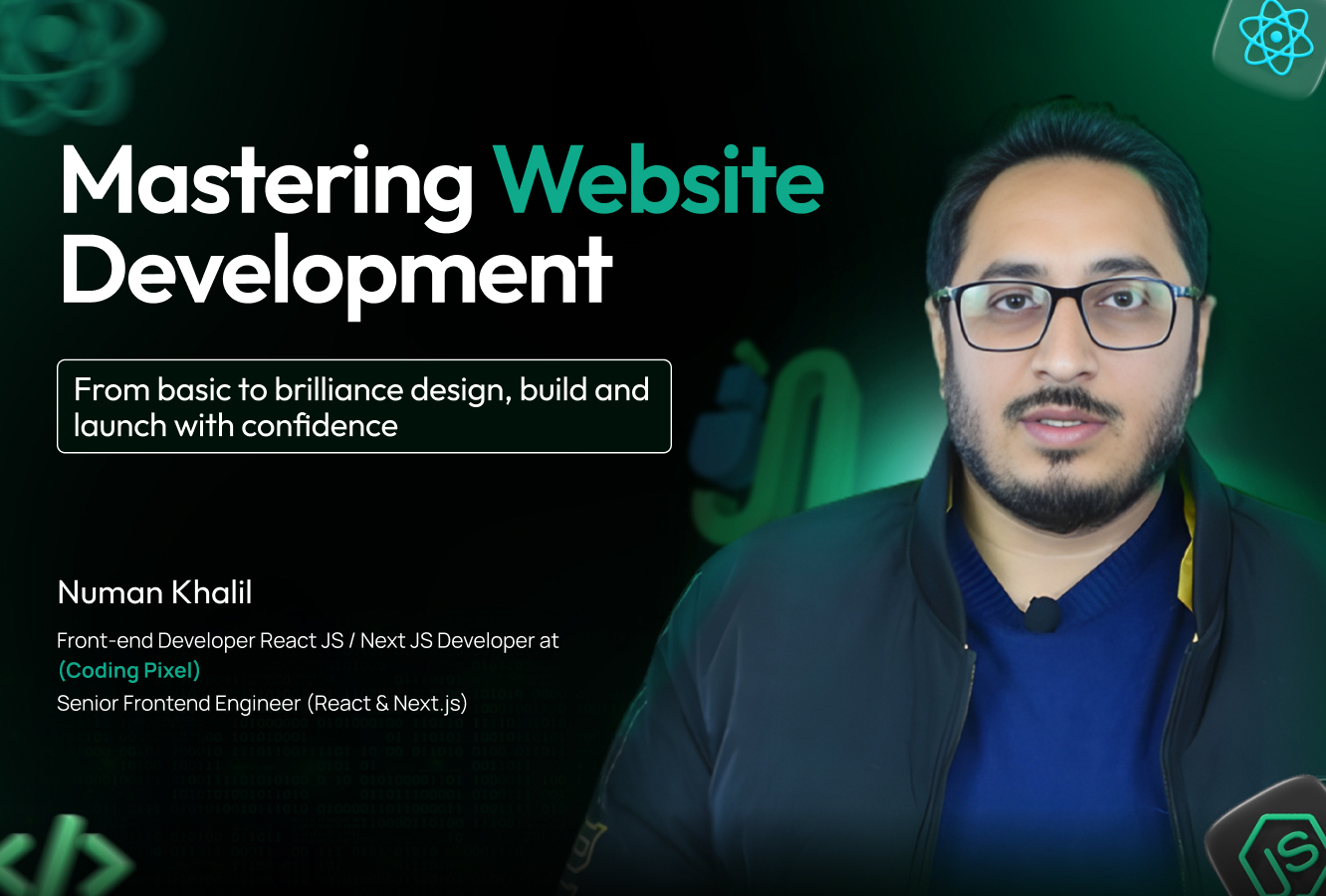
Numan Khalil
Senior Web Ebgineer, TrainerVerifiedPakistan-
0 Active students
-
1 Course
-
I can speak
Web Engineer, Freelancer, and Trainer helping businesses grow online through modern web solutions.